
How to Deploy an Open-Weight LLM on Your Own GPU Server
A step-by-step runbook for deploying Llama, Qwen or Mistral on a single GPU server, from driver install to vLLM serving, auth, and audit logging.

Most teams that stand up a private LLM for the first time assume the hard part is picking the model. In practice the model is the easy choice. The hard part is the hour-by-hour sequence of commands between a bare GPU chassis and an authenticated endpoint your developers can actually call, with logs flowing to the SIEM your auditors already trust.
This is the runbook for that sequence on a single server. One box, one or two GPUs, an internal Llama or Qwen endpoint, and a reverse proxy that your security team will not block. If you need multi-node tensor parallelism or a full appliance pattern, that is a different document and we have written about the appliance versus DIY tradeoff separately. Here, the goal is Friday.
Confirm the Hardware Before You Touch Software
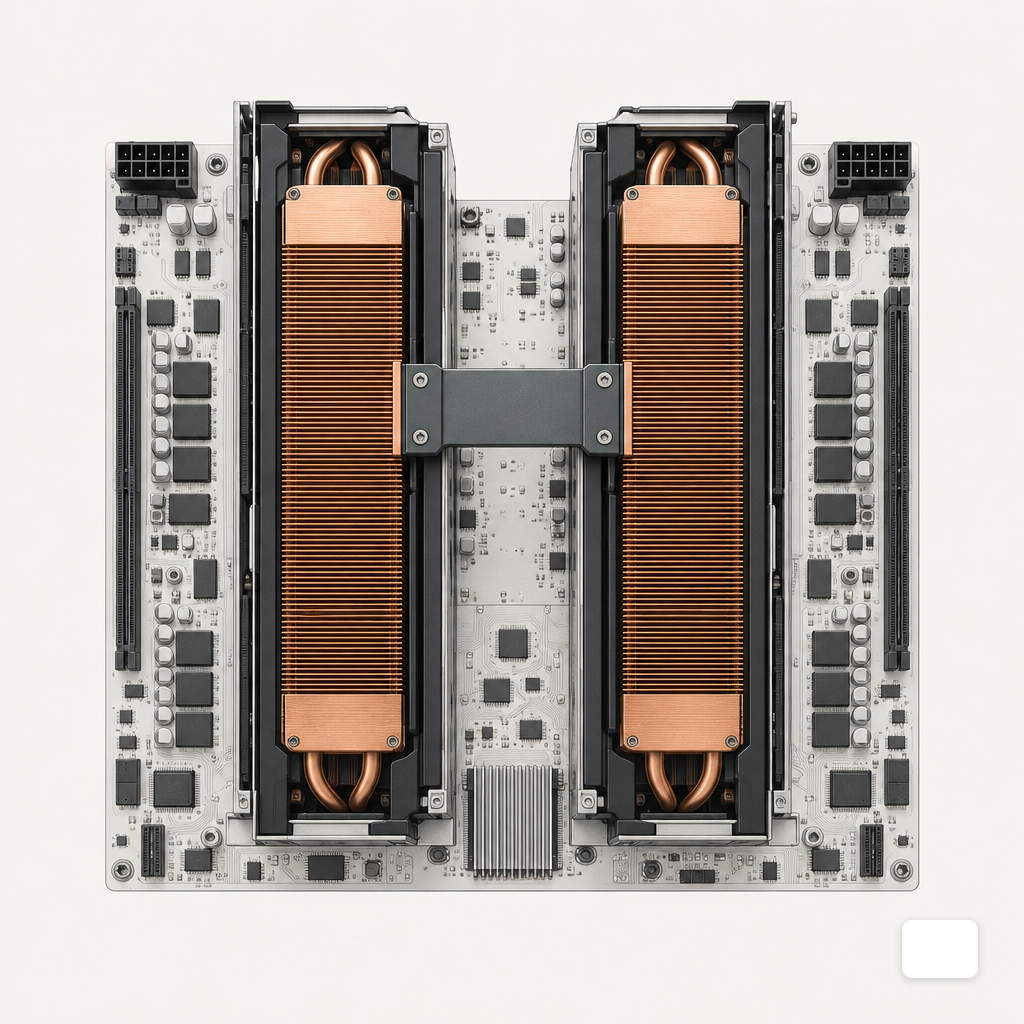
Open the chassis manual and the GPU datasheet side by side. A 70B parameter model in 8-bit weights wants roughly 70 GB of VRAM for weights alone, plus KV cache headroom that grows with context length and concurrency. An 8B model in BF16 fits comfortably on a single 24 GB card. Match the model to the silicon before you download anything.
The reference point most buyers already own is the A100. The A100 80GB SXM provides 2,039 GB/s of HBM2e memory bandwidth, 6,912 CUDA cores, 432 third-generation Tensor Cores, 312 TFLOPS of FP16 Tensor Core performance, and supports partitioning into up to seven MIG instances. Memory bandwidth, not raw FLOPS, is what caps single-stream token throughput for most decoder-only models, so read the bandwidth line first.
Verify the physical side before the OS boots: PCIe lane allocation per slot, NVLink bridge seating if you have two cards, PSU headroom at sustained 400W per GPU, and inlet air temperature below the card's throttling threshold. If any of this is uncertain, the sizing guidance in our post on GPU requirements for private LLMs is the right place to start.
Install the Driver and CUDA Stack Cleanly
Use Ubuntu 24.04 LTS unless your platform team mandates RHEL. Disable Secure Boot or pre-stage a signed MOK, because unsigned kernel modules will silently fail to load. Install build-essential and the matching linux-headers package first; the driver compiles its kernel module through DKMS and needs them.
Add NVIDIA's apt repository using the cuda-keyring package for your distro, install the recommended driver branch, and reboot. Then install the toolkit. Follow the CUDA installation guide for Linux rather than a blog post from two years ago. Driver and toolkit versions are coupled: a toolkit newer than your driver will produce "CUDA driver version is insufficient" at runtime, which is a bad error to debug on a Friday afternoon.
Validate in this order:
- nvidia-smi prints a table showing the card, driver version, and 0% utilization.
- nvcc --version matches the toolkit you installed.
- A one-line PyTorch check: python -c "import torch; print(torch.cuda.is_available(), torch.cuda.get_device_name(0))" returns True and the card name.
- NVIDIA Container Toolkit is installed and docker run --rm --gpus all nvidia/cuda:12.4.0-base-ubuntu24.04 nvidia-smi works.
If any step fails, stop and fix it. Every later problem will be blamed on the inference server, and most of the time the driver is the actual cause.
Choose Weights and a Quantization That Fit
Pick the model you can defend to legal before you pick the one you like. Read the license. The Meta Llama 3 Community License was released on April 18, 2024 and prohibits using Llama Materials or their outputs to improve any other large language model, excluding Llama 3 itself and its derivatives. Separately, Meta's license requires any product with more than 700 million monthly active users on the model's release date to request a separate commercial license, which Meta may grant or deny at its sole discretion. Qwen, Mistral, and Gemma each have their own terms. Our overview of open-weight training options walks through which families are safe for which use cases.
Quantization is a throughput and VRAM decision, not an accuracy one on first pass. Pick the format the serving stack supports natively:
- BF16 or FP16 safetensors when you have the VRAM. Simplest, highest quality, works everywhere.
- AWQ or GPTQ (4-bit) for vLLM when you need to halve VRAM with modest quality cost on most reasoning tasks.
- FP8 on Hopper or Ada Lovelace cards when both the model and the serving engine support it.
- GGUF if you are using llama.cpp for CPU offload or mixed CPU/GPU inference.
llama.cpp is the right fallback when the box is modest or heterogeneous. It is an MIT-licensed C/C++ inference engine created by Georgi Gerganov that defined the GGUF format and supports quantization from 8-bit down to roughly 1.5 bits per weight across CUDA, Metal, Vulkan, ROCm/HIP, SYCL, and CPU backends. For a single datacenter GPU serving concurrent users, vLLM is the stronger default.
Serve With vLLM or TGI, Not a Toy Script
vLLM's PagedAttention achieves 2 to 4 times higher throughput than existing serving systems at the same latency, with the improvement growing larger for longer sequences, bigger models, and more complex decoding algorithms. The underlying reason is memory discipline: in the paper's profiling, only 20.4% to 38.2% of KV cache memory in existing serving systems actually stored token states, with the rest lost to fragmentation and over-reservation, which PagedAttention cuts to under 4%.
Install vLLM in a Python 3.11 venv, then launch the OpenAI-compatible server:
- pip install vllm
- vllm serve meta-llama/Meta-Llama-3-8B-Instruct --host 127.0.0.1 --port 8000 --api-key $(cat /etc/vllm/api_key) --gpu-memory-utilization 0.90 --max-model-len 8192 --dtype auto
Bind to loopback. The reverse proxy, not vLLM, will face the network. The resulting endpoint speaks the OpenAI Chat Completions and Completions schema, which means existing SDK code points at it with only a base URL change. If your application needs lower single-user latency at low concurrency, Hugging Face's TGI is the alternative worth benchmarking: in an independent 2025 comparison on identical hardware, vLLM delivered up to 24x higher throughput than TGI under high-concurrency workloads, while TGI showed lower tail latencies in single-user interactive scenarios.
Run the server under systemd with Restart=on-failure, a dedicated non-root user, and CUDA_VISIBLE_DEVICES set explicitly. Do not let it inherit the shell environment of whoever started it.
Put a Real Reverse Proxy in Front
Nginx or Envoy terminates TLS, enforces mutual TLS against your internal CA, and forwards to vLLM on loopback. Three things to get right on the first pass:
- mTLS with client certificates issued by your PKI, not a bearer token pasted into a wiki. Pin the issuer, require a specific OU, and reject anything else.
- SSO for the human-facing chat UI through your existing OIDC provider (Okta, Entra, Keycloak). The service-to-service path uses mTLS; the human path uses SSO. Do not mix them.
- Rate limits and request size caps at the proxy. A 2 MB prompt is almost always a bug or an exfiltration attempt.
Longer-form hardening (egress firewalls, prompt-injection filtering, tenant isolation) is covered in our write-up on securing a self-hosted LLM behind a firewall. The short version: treat the inference server like any other sensitive internal service, and do not invent a new security model for it.
Ship Audit Logs to the SIEM on Day One
If the logs are not in Splunk, Sentinel, or your Elastic cluster the day the endpoint goes live, they will not be there in month three. Capture at least:
- Authenticated principal (SSO subject or mTLS certificate CN) per request.
- Request ID, model name, prompt token count, completion token count, latency, and HTTP status.
- A hash of the prompt and completion for integrity, with the full content stored in a separate access-controlled bucket if your policy allows retention at all.
- Admin events: model swaps, config reloads, systemd restarts.
vLLM emits structured logs to stdout; the proxy emits access logs. Ship both via Fluent Bit or Vector to the SIEM, tagged so the detection team can write rules against them. For regulated environments, align the retention window and field schema with the control framework you report under; our overview of SOC 2, HIPAA, and GDPR controls maps the common requirements.
Smoke Test, Then Hand It Over
Before announcing the endpoint, run four checks and record the output:
- A curl against /v1/chat/completions with a valid client cert returns a sensible completion.
- The same call without a cert, or with a revoked one, returns 401 or 403.
- Concurrent load (vLLM's own vllm bench or a short wrk script) sustains your target tokens-per-second without GPU OOM.
- A test event shows up in the SIEM within the expected ingest window, with the principal field populated.
Keep that output. It is the first page of the operations runbook, and it is what the auditor will ask to see. Most of what breaks after launch is operational rather than technical, and the patterns are predictable enough that we catalogued them in what breaks in the first 90 days.
What a Single-Server Install Does Not Solve
A single-box deployment is a legitimate production footprint for a department, a legal team, or a pilot that needs isolation from public APIs. It is not a substitute for the capacity planning, HA design, and lifecycle management that a sustained enterprise rollout requires. When concurrency climbs past a few dozen simultaneous users, or when you need rolling model upgrades without a maintenance window, the architecture shifts toward multi-replica serving behind a load balancer, shared weight storage, and a GPU scheduler. That is the point at which a managed LLM appliance or a custom deployment engagement starts to pay for itself versus continued in-house effort.
Until then, the runbook above gets you from a crated chassis to an authenticated, logged, internal endpoint in a working week. Keep the surface area small, keep the logs flowing, and resist the urge to add features until the baseline is boring.
Eric Lamanna is a Digital Sales Manager with a strong passion for software and website development, AI, automation, and cybersecurity. With a background in multimedia design and years of hands-on experience in tech-driven sales, Eric thrives at the intersection of innovation and strategy—helping businesses grow through smart, scalable solutions. He specializes in streamlining workflows, improving digital security, and guiding clients through the fast-changing landscape of technology. Known for building strong, lasting relationships, Eric is committed to delivering results that make a meaningful difference. He holds a degree in multimedia design from Olympic College and lives in Denver, Colorado, with his wife and children.


Bringing AI in-house, the right way.
Talk through your private or on-prem LLM deployment with an expert who has shipped them in regulated environments.
Private AI, in your inbox.
Occasional, high-signal notes on enterprise LLM deployment, security, and model strategy. No spam.